Unfollows
How to See Who Unfollowed You on Instagram, and What Free Methods Miss
Instagram doesn't show a list of people who unfollowed you. To see who unfollowed you on Instagram, you compare who followed you before with who follows you now. This guide covers three ways to do that, what each one misses, and why a missing name isn't always an unfollow.
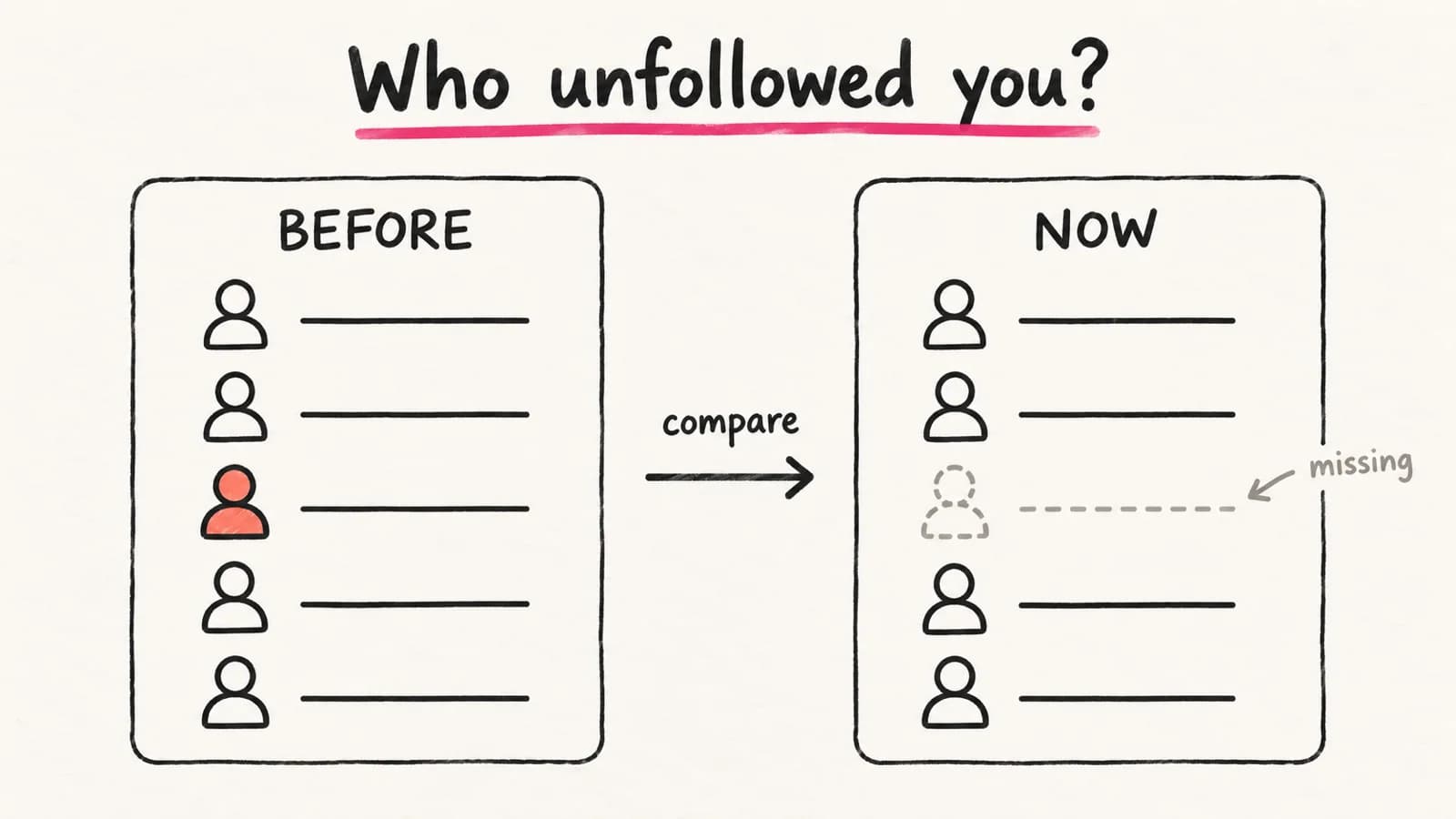
There are three ways to find out:
- Check one person by hand.
- Compare two Instagram data exports.
- Use a tracker that compares your follower list over time.
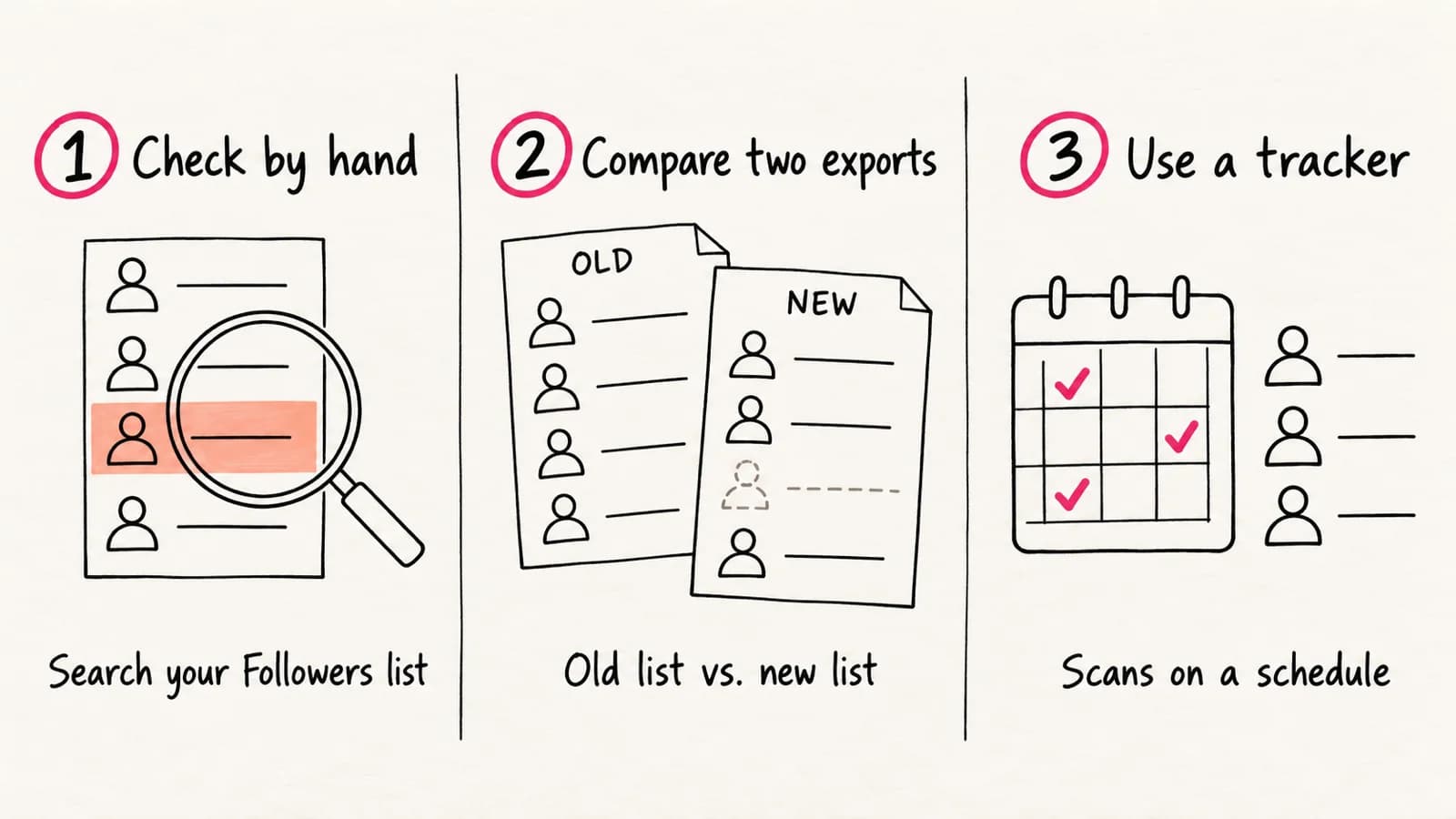
The first two are free. Exports and trackers only cover the time after your first list. And a missing name isn't always an unfollow, so rule out the other causes below.
Does Instagram tell you who unfollowed you?
No. There's no unfollower list in the app, and you don't get a notification when a person leaves.
The closest thing is Instagram Insights. If your account is public and has at least 100 followers, it shows how many followers you gained or lost. You can look back up to 90 days. It shows a number, not names.
So the question "who unfollowed me?" always comes down to comparing lists.
Method 1: Check one person by hand
This is the fastest way if you already have a name in mind.
- Open your profile and tap Followers.
- Type their username or name into the search bar.
- If they don't appear, they don't follow you right now.
You can also open their profile in the Instagram app. When an account follows you, the app shows a small Follows you label on its profile. If you don't follow them, the button may also say Follow Back. That also means they follow you. If you see neither, they don't follow you.
This check is free and needs no other app. It also works on a private account, because you're only looking at your own list.
The catch: you have to remember who to check. It also tells you that a person is gone, not when they left.
Method 2: Compare two Instagram data exports
Instagram lets you export your own followers and following lists. One export shows your followers on one day. Two exports, made a few weeks apart, show who left in between.
Request it under Accounts Center → Your information and permissions → Export your information. Some accounts see Meta Account instead of Accounts Center. Choose only Followers and following, and pick JSON. Instagram says the link can take up to 30 days to arrive. Once it's ready, you have 4 days to download it.
When you have both files, look for names in the old followers list that are missing from the new one. A spreadsheet makes this easier. Put each list in its own column, then look for names that appear only in the old one.
Exports are the most complete free option for your own account. You don't share your password with anyone, and it works on private accounts.
The downside is time. You need two exports and a wait between them. And you only learn who left somewhere in that gap.
Method 3: Use a tracker that compares follower lists
A tracker reads a follower list on a schedule. It compares each new list with the one before. A person who drops off shows up as a lost follower.
Before you pick a tracker, check four things:
- It never asks for your Instagram password. A tracker can read a public follower list without it.
- It says when it detected each change. That's the date of a scan, not the moment a person tapped Unfollow.
- It explains what happens when a scan is incomplete. Large lists don't always load in full, and a partial list can make people look gone.
- It shows the price before it scans.
PenguinRadar Instagram Unfollow Tracker works this way for public accounts. It doesn't need your password. A name moves to Lost followers only after two complete scans miss it and the follower count agrees.
Follower tracking works on public, non-verified accounts with up to 100,000 followers. It needs a Lite, Starter or Pro plan, and you see the price of each scan before it runs. You can read how PenguinRadar compares scans before you start.
A tracker does the comparing for you. It still starts from its first complete scan. It can also miss a person who unfollows and comes back between two checks.
Why a missing follower isn't always an unfollow
When you check who unfollowed you on Instagram, a missing name can have other causes. Rule these out before you decide:
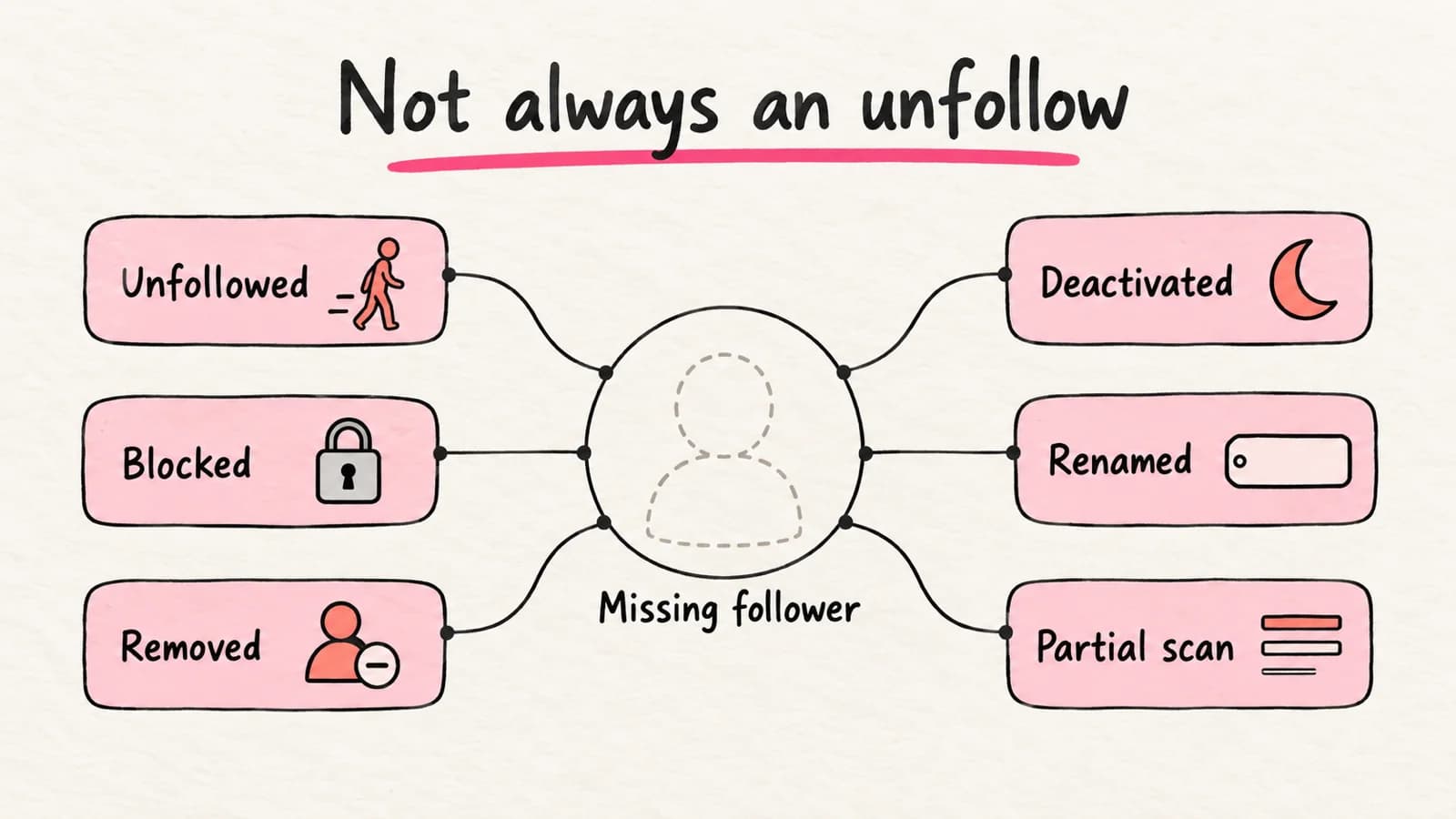
| What happened | What you notice | How to tell |
|---|---|---|
| They unfollowed you | They're gone from your Followers list, but their profile still opens | Their profile has no Follows you label |
| You blocked them | They're gone. Instagram says blocking makes a person stop following you | They're in your blocked accounts in Settings |
| You removed them as a follower | They're gone. Instagram doesn't notify them | You did it yourself. Instagram lets private accounts remove followers |
| They deactivated their account | They're gone, and their profile may not open. Instagram hides a deactivated profile's photos, comments and likes until the owner logs back in | Check again later. The profile returns if they log back in |
| Instagram removed the account | The profile no longer exists. Instagram routinely removes disabled accounts and fake activity, so your total can change within a short time | The profile doesn't come back |
| They changed their username | Searching the old name finds nothing | Search their name instead of the old username |
| A tracker read only part of the list | Names disappear, then come back on the next scan | A careful tracker waits for a second complete scan |
If a profile won't open at all, the account may be deactivated or deleted. The person may also have blocked you. A missing profile doesn't prove an unfollow.
Your follower count can mislead you too. If one person leaves and another joins, the total stays the same. Why your Instagram follower count can stay the same explains how that works.
What none of these methods can show
Some answers aren't available anywhere, free or paid.
- Unfollows from before your first list. Exports and trackers compare an old list with a new one. With no old list, there's nothing to compare. A manual check shows that a person is gone, but not when.
- The exact time. You learn that a person was in one list and missing from the next.
- The reason. A missing name doesn't tell you why they left.
People who don't follow you back are a different group. Some of them never followed you, so they didn't unfollow anyone. To find accounts that don't follow back, compare your Following list with your Followers list. PenguinRadar Instagram Follower Analyzer does this for public accounts you track.
Be careful with apps that ask for your password
Some unfollower apps ask you to log in with your Instagram username and password. Instagram can restrict an account for data scraping. One reason it lists is giving your username and password to a third-party app. Instagram also warns that an app with your login can get complete access to your account, including your messages.
If you've already shared your password with an app, change your Instagram password. Then remove that app's access in your settings.
If your account is private
Methods 1 and 2 still work. You can always search your own Followers list and export your own data.
Web trackers are different. Tools that read public follower lists, including PenguinRadar, can't track a private account's followers. Switching to public would let them, but it also lets anyone on Instagram see your posts. Decide that on its own merits, not for a tracker.
Common questions
Can I see who unfollowed me on Instagram for free?
Yes. You can check people one at a time in your Followers list, or compare two data exports. Both are free and need no other app. On PenguinRadar, you can preview a public account with free credits, but tracking changes over time needs a paid plan.
Can I find out who unfollowed me a month ago?
Only if you have a list from before then. An old export works, and so does a tracker that was already running. If you start today, you'll see unfollows from today onward.
Why did my follower count drop when nobody unfollowed me?
Instagram removes disabled accounts and accounts that create fake activity. When it does, your total can drop even though nobody chose to leave. The accounts you follow can change the same way.
Start with today's list
Pick the method that fits. For one or two people, check by hand now. For your whole account, request an export today or start tracking. Either way, the list you make today is what lets you see who unfollowed you on Instagram next month.